
Mobile Engineering Career Path — Beyond "It Works on My Phone" (2026)
Ciphemic Academia Team · 23 Aug 2026 · 10 min read
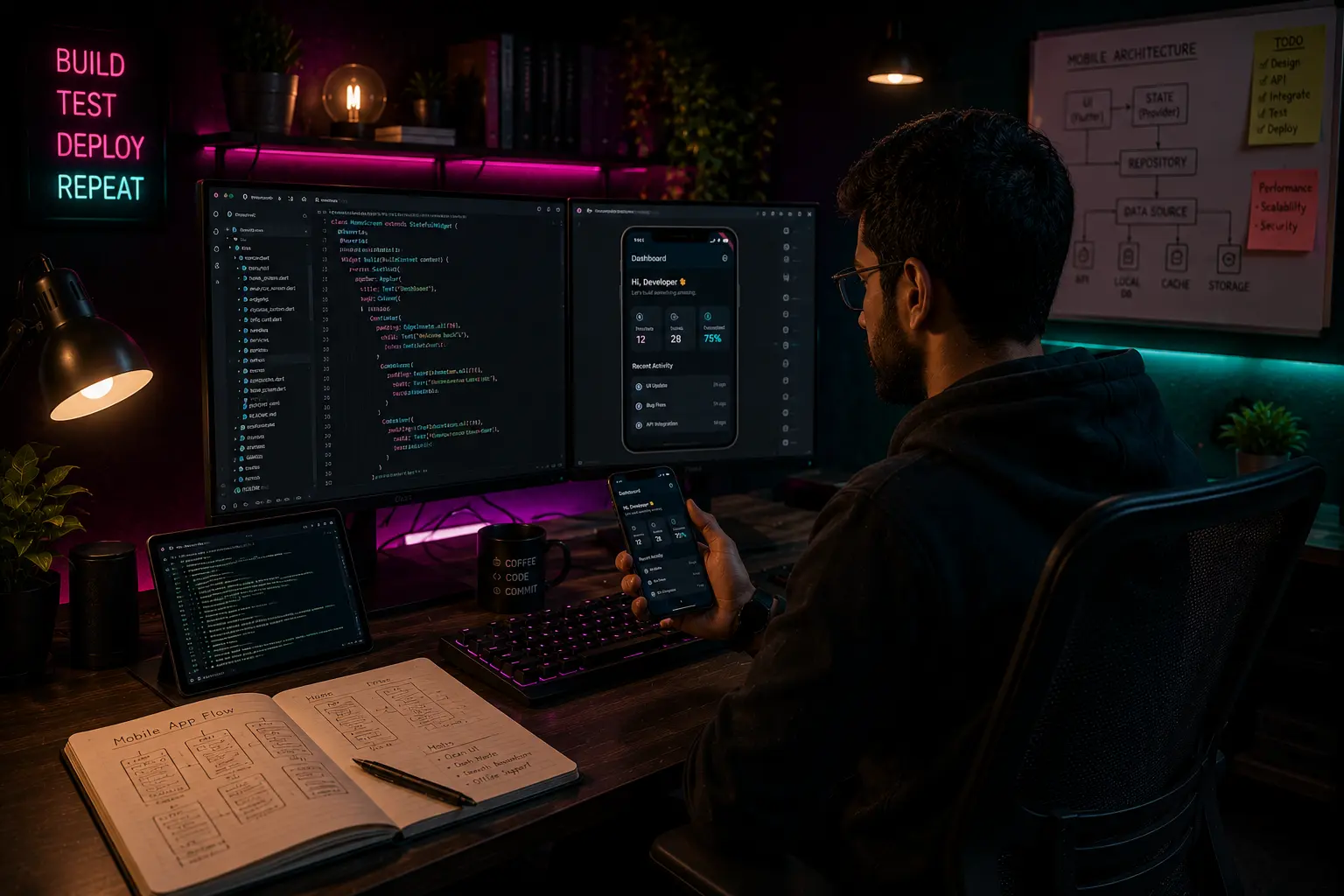
A Working App on Your Phone Is Not the Same as a Shippable App
Almost every beginner mobile developer reaches the same milestone early: an app running on their own phone, doing roughly what it's supposed to do. It feels like a real achievement, and it is a real milestone — but it's also where a lot of self-taught learners quietly stop, mistaking "works on my device, most of the time" for "ready to ship."
The distance between those two things is enormous. A real mobile app has to survive a spotty network connection, a phone running low on memory, a user who force-quits mid-action, and an app store review process that checks for exactly the kinds of edge cases tutorials skip. This guide covers what actually separates a demo app from a genuinely job-ready mobile engineering portfolio.
What "Mobile Engineer" Actually Requires
The role covers more ground than "build screens that work," and being specific about the full scope helps target the right skills:
- Cross-platform or native fluency — real depth in at least one approach (React Native, Flutter, or native iOS/Android), not shallow familiarity with several
- State management across screens and app lifecycle — handling navigation, background/foreground transitions, and data that needs to persist correctly
- Offline and unreliable-network handling — mobile networks are inherently unreliable, and a real app has to degrade gracefully, not just fail silently
- Performance on real, constrained devices — not just a high-end test phone, but the range of devices actual users have
- App store submission and platform requirements — a real, non-trivial part of shipping that tutorials almost never cover
A tutorial-built app that only ever runs on one emulator, on a fast connection, with the developer as the only user, hasn't been tested against almost any of this.
Step 1: Choose One Path and Go Deep — Cross-Platform or Native
This decision matters more in mobile than in most other areas of software, and it's worth making deliberately rather than defaulting to whatever the most recent tutorial happened to use. This whole path also assumes the baseline skills this path assumes are already solid:
- React Native or Flutter — faster to build for both iOS and Android from one codebase, larger relevant job market for many companies, especially startups and mid-size teams. If React Native is on the table, the frontend fundamentals that transfer to React Native are worth having in place first
- Native (Swift for iOS, Kotlin for Android) — deeper platform integration, often preferred by companies with platform-specific performance needs or an existing native codebase
For most learners targeting the broadest set of mobile engineering roles, a cross-platform framework is the more time-efficient starting point — but genuine depth in whichever path you choose matters far more than the specific choice. Shallow familiarity with both React Native and native development produces a weaker candidate than real depth in one.
Step 2: Navigation and App Lifecycle — The Parts Tutorials Rush Through
Simple tutorials often cover navigation between two or three screens and stop there. Real apps have navigation stacks, tab structures, modals, and deep linking — and they have to handle the app lifecycle correctly:
- Learn your framework's navigation library well enough to handle nested navigators, passing data between screens correctly, and deep linking into a specific screen from outside the app
- Understand what happens to your app's state when it goes to the background and comes back — does data survive, or does the user lose their place?
- Handle app startup properly, including what a user sees during the (sometimes slow) initial load, not just once everything's ready
A candidate who can explain how their app handles being backgrounded mid-task, or opened via a deep link from a notification, is demonstrating real, tested understanding rather than tutorial-level familiarity.
Step 3: Offline Handling and Unreliable Networks — Mobile's Defining Constraint
This is the step that most clearly separates a demo from a real mobile app, because mobile networks are unreliable in a way most web development never has to seriously account for:
- Learn to detect and respond to network state changes — what does your app show when connectivity drops mid-session?
- Implement local caching or storage so at least some of the app remains usable offline, rather than showing a blank error screen
- Handle failed requests gracefully — retries, clear error messaging, and not silently losing user input when a submission fails
- Test deliberately on a throttled or simulated poor connection, not just your home wifi — this is the only way to actually see these problems, rather than assume they're handled
An app that's never been tested on a bad connection almost certainly breaks on one. Deliberately testing this, and being able to describe what you found and fixed, is a strong, specific interview story.
Step 4: Performance on Real, Constrained Devices
A high-end test phone or emulator hides performance problems that show up immediately on the mid-range and lower-end devices a large share of real users actually have:
- Learn to profile your app's performance — frame rate, memory usage, startup time — using your platform's actual profiling tools, not guesswork
- Understand common mobile performance issues: unnecessary re-renders (in React Native), image loading and caching done poorly, and list rendering that doesn't scale to real data volume
- Test on an actual lower-end or older device if at all possible, or at minimum a throttled emulator profile — the difference from a high-end device is often dramatic and genuinely educational
- Practice optimizing one specific, identified performance problem end to end, so you have a concrete story to tell, not a general claim about caring about performance
Step 5: App Store Requirements — The Non-Coding Part of Shipping That Actually Matters
This step gets skipped by almost every self-taught learner, and it's a real, distinct part of the job that surprises people once they're actually working professionally:
- Understand the basic app store submission process for at least one platform — required assets, permissions justifications, and common rejection reasons
- Learn what platform guidelines actually require around things like privacy disclosures and permission requests, since both Apple and Google reject apps for mishandling these
- If possible, actually submit a real project to a store (even to internal/beta testing tracks) to experience the process firsthand, rather than only reading about it
A candidate who's actually been through a submission process — even a simple one — understands a real part of the job that most self-taught applicants have never touched.
Step 6: Build One Complete Mobile App That Demonstrates All of This Together
The project that actually anchors a mobile engineering application isn't a single-screen demo — it's an app with enough real complexity to require genuine decisions:
- Multiple screens with real navigation, including at least one deep link or notification-triggered flow
- Deliberately tested and handled offline/poor-connection behavior, not just a happy-path network call
- At least one identified and fixed performance issue, tested on a real or throttled lower-end device
- Proper handling of app lifecycle transitions — backgrounding, resuming, and state persistence
- Ideally, an actual (even if informal) app store submission experience behind it
This is the project that generates real interview conversation about specific, non-obvious mobile engineering decisions, not just "the app has three screens."
Realistic Timeline: Zero to Job-Ready Mobile Engineer
| Phase | Duration | What Happens |
|---|---|---|
| Choose a path, build fluency | 1–2 months | Real depth in React Native, Flutter, or native iOS/Android |
| Navigation and app lifecycle | 3–4 weeks | Nested navigation, deep linking, backgrounding/resuming handled correctly |
| Offline and network handling | 1 month | Detect network state, cache locally, handle failures gracefully |
| Performance on real devices | 3–4 weeks | Profile, identify, and fix at least one real performance issue |
| App store process familiarity | 1–2 weeks | Understand submission requirements, ideally submit a real project |
| One complete mobile app project | 1–2 months | Build, test, and document one app demonstrating all of the above |
| Total realistic timeline | 6–9 months | From zero to a genuinely job-ready mobile engineering portfolio |
Common Mistakes Aspiring Mobile Engineers Make
- Splitting effort shallowly across React Native, Flutter, and native development instead of real depth in one
- Never testing on a throttled or poor network connection, so offline handling problems go completely unnoticed
- Only ever testing on a high-end device or emulator, missing performance problems real users would hit immediately
- Treating app store submission as an afterthought instead of a real part of the job worth understanding beforehand
- Building an app with only simple, linear navigation and never handling deep links or backgrounding correctly
Frequently Asked Questions
Should I learn React Native, Flutter, or native development first?
For most learners targeting the broadest range of mobile engineering roles, a cross-platform framework — React Native or Flutter — is the more time-efficient starting point, since it covers both iOS and Android from one codebase. Native development (Swift/Kotlin) is a strong choice if you're targeting companies with platform-specific performance needs, but genuine depth in whichever path you pick matters far more than which one you choose.
How do I actually test offline handling without a complicated setup?
Most emulators and devices support network throttling or airplane-mode toggling built in — use it deliberately while testing your app, not just during casual development. This alone reveals most of the offline-handling gaps that never show up when developing on a fast, stable connection.
Do I need to publish an app to the App Store or Play Store to be job-ready?
It's not a strict requirement, but going through even a basic or beta submission process teaches real, practical knowledge that's hard to get any other way — required assets, permission justifications, and common rejection reasons. If it's accessible to you, it's genuinely worth doing at least once before interviews.
What's the biggest performance mistake beginner mobile developers make?
Only ever testing on a high-end device or a fast emulator, which hides problems — slow list rendering, poor image handling, unnecessary re-renders — that show up immediately on the mid-range and lower-end devices a large share of real users actually have.
Is mobile engineering harder to break into than web/frontend development?
Not inherently harder, but it has real, distinct constraints — offline handling, device fragmentation, and app store requirements — that web development doesn't have to account for in the same way. A portfolio that seriously engages with those constraints, rather than only building simple, always-online demo screens, stands out clearly from most self-taught competition.
Start Building
Reading about offline handling, navigation, and app store requirements doesn't build the instinct for any of it — building an app that actually has to survive a bad connection and a real device does. The Mobile Engineering roadmap on Ciphemic Academia is built around exactly this path: hands-on projects that take you from framework fluency through navigation, offline handling, performance, and one complete, submission-ready mobile app — each one shippable, gradable, and portfolio-ready.
Pick a roadmap, start building, and move past "works on my phone" into an app that actually holds up in the real world.
Building along with this?
Join the Ciphemic Academia Discord — share what you're working on, get unstuck, and see what others are building.